
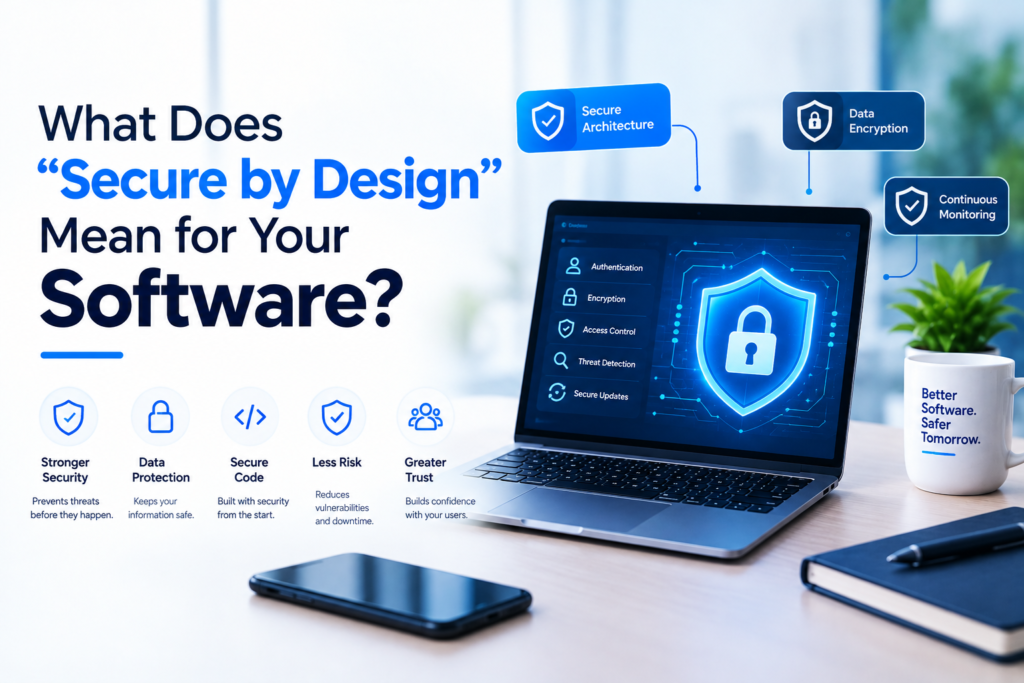
Your software holds customer data, payments, and business records. One weak point can expose all of it. Do you wait for a breach before you fix that? Secure by design gives you a better plan. The team builds protection into the software from day one.
What Is Secure by Design?
Secure by design is a development approach. The team plans security before it writes the first line of code. Every feature, screen, and database choice gets a security check. Security becomes part of the product instead of a patch added at the end.
Why does the order matter? Fixes added after launch cost more and leave gaps. A design that expects attacks closes those gaps early.
[Add verified statistic: average cost of a data breach, or the share of small businesses hit by a cyberattack, with the source name]
Why Does Secure Design Matter for Your Business?
Customers trust you with their data. A breach damages that trust fast. It also brings lost sales, legal fees, and time your team cannot spend on growth. Small businesses face the same attackers as large ones, and they often run fewer defenses. Attackers know that.
Regulations add pressure. Laws such as GDPR and CCPA require you to protect personal data. Secure design helps you meet those rules with less rework later.
What Are the Core Principles of Secure Design?
Six principles guide most secure projects.
| Principle | What it means | Example |
|---|---|---|
| Least privilege | Each user and system gets only the access it needs | A support agent sees tickets but not billing data |
| Defense in depth | Several layers protect the system | Firewall, login controls, encryption, and monitoring |
| Secure defaults | The safest setting is on from the start | Strong passwords and multi-factor login required |
| Encryption | Outsiders cannot read your data | HTTPS in transit, encrypted storage at rest |
| Fail safely | Errors never expose sensitive details | A crash shows a plain message, not system data |
| Keep it simple | Fewer parts mean fewer weak points | The team removes unused features and plugins |
How Do Teams Build Security Into Each Project Stage?
Security belongs in every stage, not only the last one.
- Planning: The team asks what could go wrong. Who might attack, and what data is at stake?
- Design: The team sets access rules, maps data flows, and picks safe tools.
- Development: Developers follow secure coding standards, such as the OWASP Top 10, and a second person reviews the code.
- Testing: The team runs vulnerability scans and security tests, then fixes issues before launch.
- Maintenance: The team applies updates, watches for threats, and keeps backups current.
[Add verified statistic: share of breaches caused by weak credentials or unpatched software, with the source name]
How Does Secure Design Protect Your Cloud Infrastructure?
Your cloud setup needs the same care as your code. Strong access controls decide who can reach each system. Network rules separate public services from private data. Encrypted storage protects files at rest, and automatic backups protect you from data loss. Alerts tell the team when something looks wrong. Misconfigured settings rank among the common causes of data exposure, so careful setup matters as much as the software itself.
How Does Secure Design Apply to AI Solutions?
AI chatbots and automation handle data too. The team limits what the AI can see and protects your API keys. It also filters inputs and logs activity. Attackers sometimes try to trick a chatbot with crafted messages, so good teams test for that. You decide what the AI may access, and the design enforces it.
What Questions Should You Ask Before You Hire a Developer?
Bring these questions to your first call:
- How do you plan security at the start of a project?
- Who can access my data, and how do you control that?
- How do you encrypt data in storage and in transit?
- How do you test for vulnerabilities before launch?
- What happens if a security issue appears after launch?
- Who owns my data and my backups?
Clear, direct answers show a team that takes security seriously.
What Red Flags Should You Watch For?
Some warning signs appear early. A promise of “100% secure” is one of them, because no honest team can guarantee that. Shared admin passwords, missing backups, and vague answers about data handling also signal risk. A team with no plan for updates leaves your software open as new threats appear. Walk away when answers stay unclear.
How Does SoftaiCore Build Secure Software?
SoftaiCore is a software and AI company. We offer custom software, AI solutions, and cloud infrastructure. We plan security at the start of each project and review it at each stage. [List your real practices here, such as code reviews, multi-factor login, encrypted backups, and access controls. Keep only what your team does.]
Do you want to know how that applies to your project? A short call answers that question.
What Should You Do Next?
Start with a simple audit. List where your data lives, who can access it, and how you back it up. Mark every gap you find. Then share the list with us, and we reply within [1 business day] with clear next steps.
Discover innovative software solutions, AI-powered technology, web development, and digital marketing services at Softaicore to help your business grow online.